Turn any song into audio for karaoke
Vocal Remover for Karaoke is a free multimedia tool that allows you to turn any song in your music library into a backing track that you can use for your next karaoke session. It’s a simple and easy-to-use tool that allows you to edit audio even with no prior knowledge of how audio editing apps work.
Top Recommended Alternative

It’s important to note, however, that Vocal Remover for Karaoke doesn’t have too many advanced features that allow you to alter the instrumentals left after removing the vocals from a song. For such features, you can refer to apps like SplitHit instead.
How does it work?
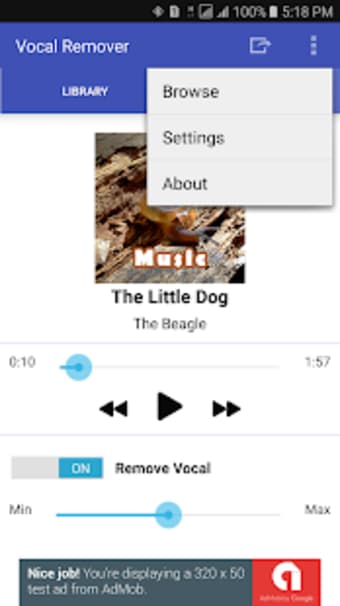
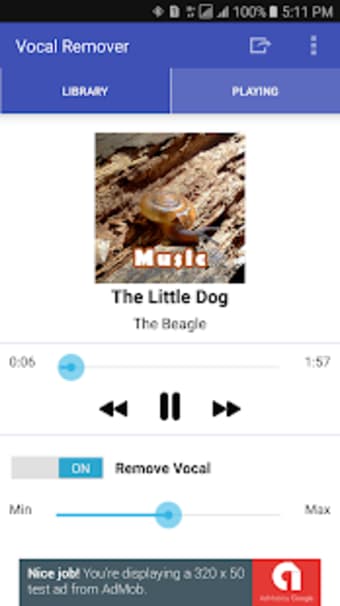
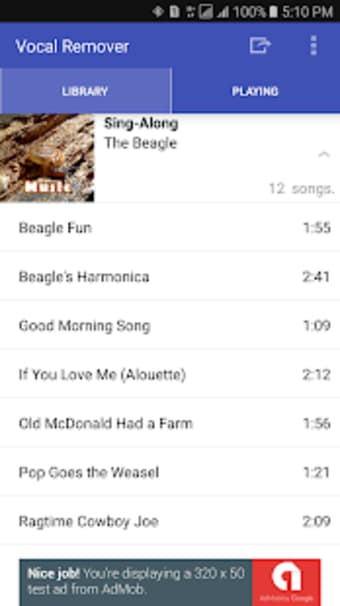
As the name suggests, Vocal Remover for Karaoke removes vocal tracks from any song in your music library in an easy manner. All you have to do is choose a song from your files and press on the switch to remove the vocal component of a track. You can then adjust the slider from minimum to maximum based on how much of the vocals you want to remove.
However, users should keep in mind that the results can vary depending on the components of the song they chose. For example, songs with heavy instrumentals that drown out parts of the vocals can lead to more audio distortion compared to an acoustic song with clear vocals. Some songs can also result in softer audio following the removal of the vocals.
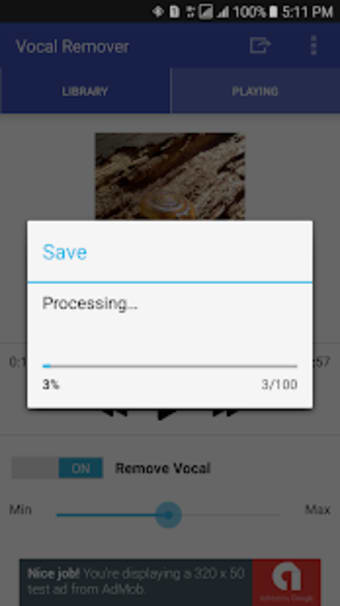
After you’ve edited your track, you can easily save your output as an audio file and export it to your media files. You can also keep the original album cover art for your track, as well, so you can easily find the file when you need it. Users can also opt to listen to their edited tracks with the helpful playback feature so they can adjust the slider if necessary.
Good for basic editing
Although the results of your edited audio tracks won’t always be perfect or consistent, Vocal Remover for Karaoke is still a decent option given its simple and convenient format. Users can easily export their works in a snap, as well, so they can enjoy a fun karaoke experience that allows them to sing any song that may not be available on their own karaoke machines.